Friendly setup

Let’s get you connected.

Enter your email below to enable both download options. We’ll send a one-use verification link; verify only when you’re ready to connect and activate.

No card required for the free 30-minute intro. You can install before verifying.

Choose your download

For the best Connect My AI experience, install the Windows app first, then add the required browser extension when CMA opens. Or choose the browser extension by itself.

Enter your email above and choose Enable downloads to use either option.

Quickest setup

Browser extension only

Install the required extension directly from the official store and add the desktop app later if you want the full experience.

Your browser installs and updates it through the official store. Opens the official browser store in a new tab.

Three quick steps

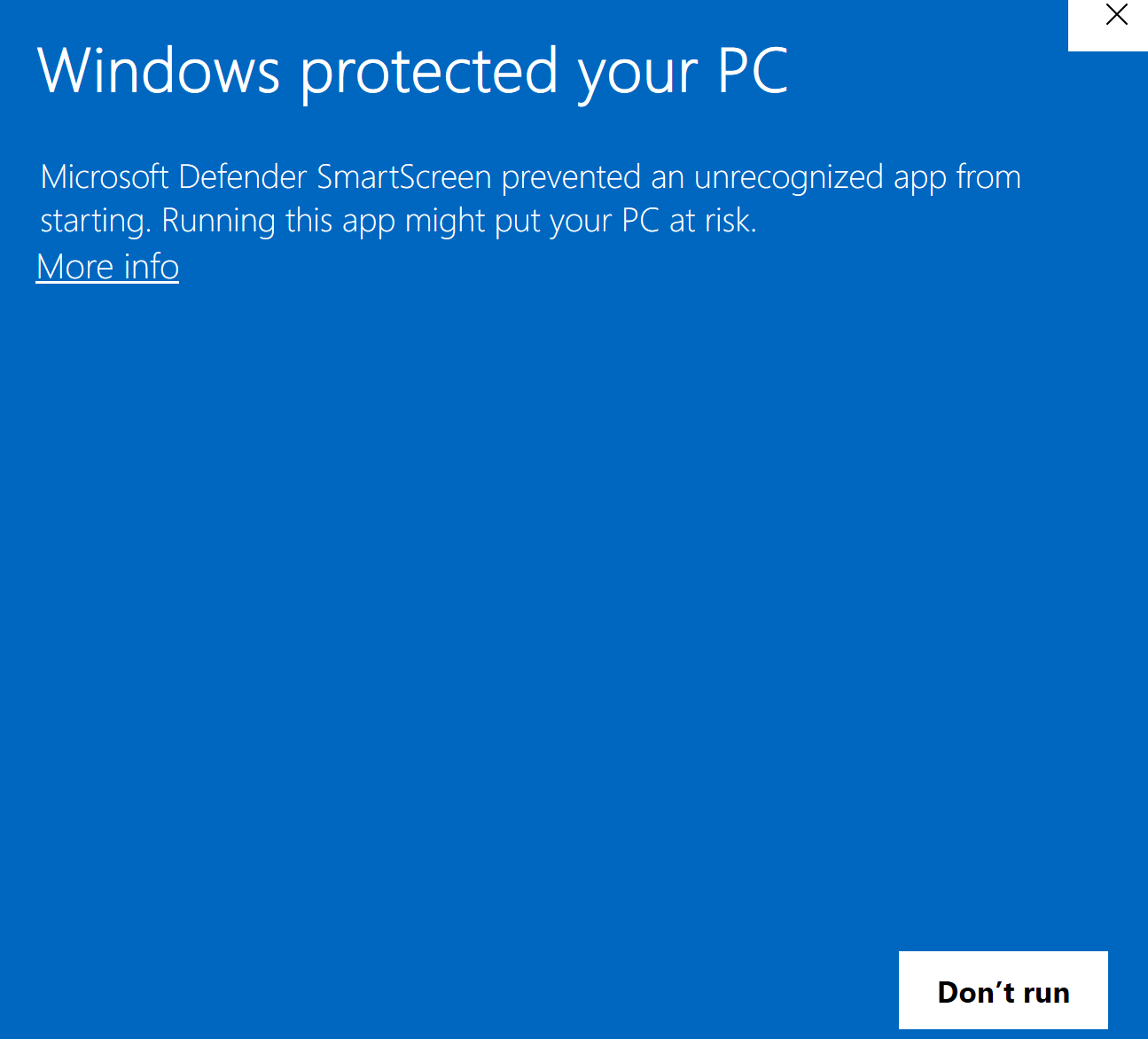
  1. For the recommended setup, download and run CMA for Windows. Or choose extension only to skip the app.
  2. Choose Add browser extension in CMA or above. Your browser will guide the required approval.
  3. Open your verification email, then open the extension and choose Connect browser.

Your intro clock does not run while you download or install. It starts only after the verified extension connects successfully.